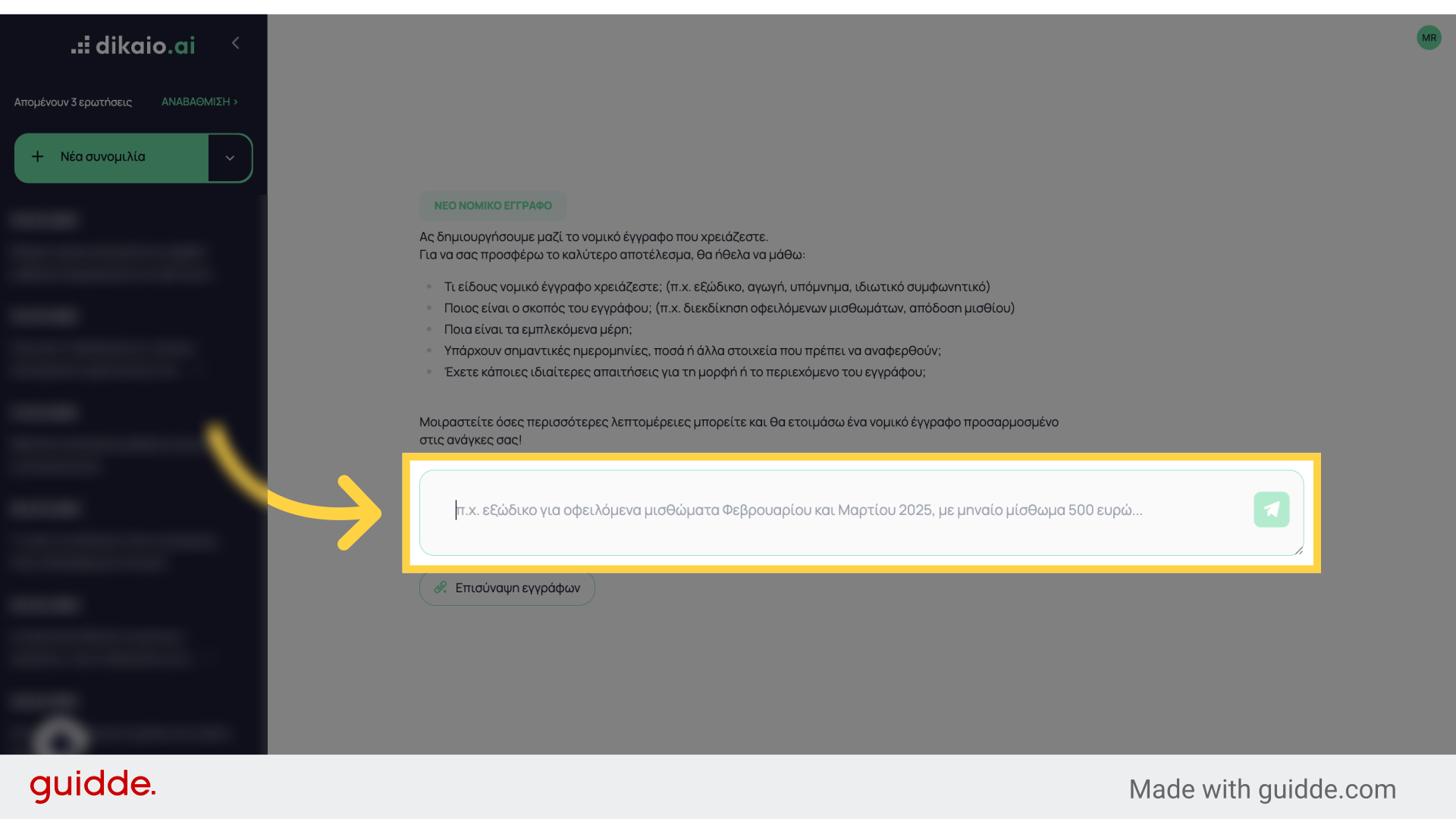
This guide will show you how to translate legal documents in Dikaio.ai.
Go to www.dikaio.ai
1. Login
Login with your account
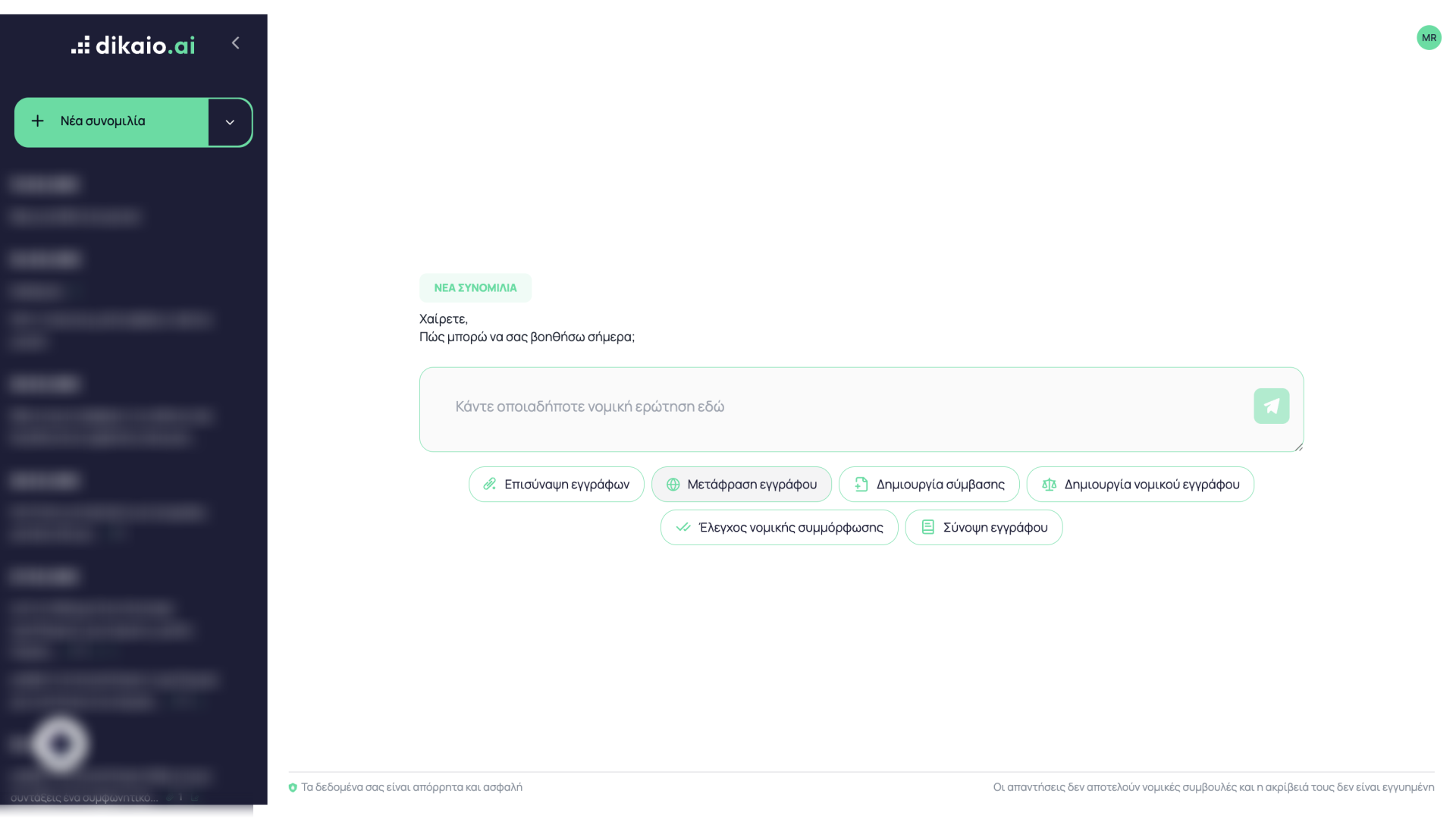
2. Click “Document Translation”
Select “Document Translation”.
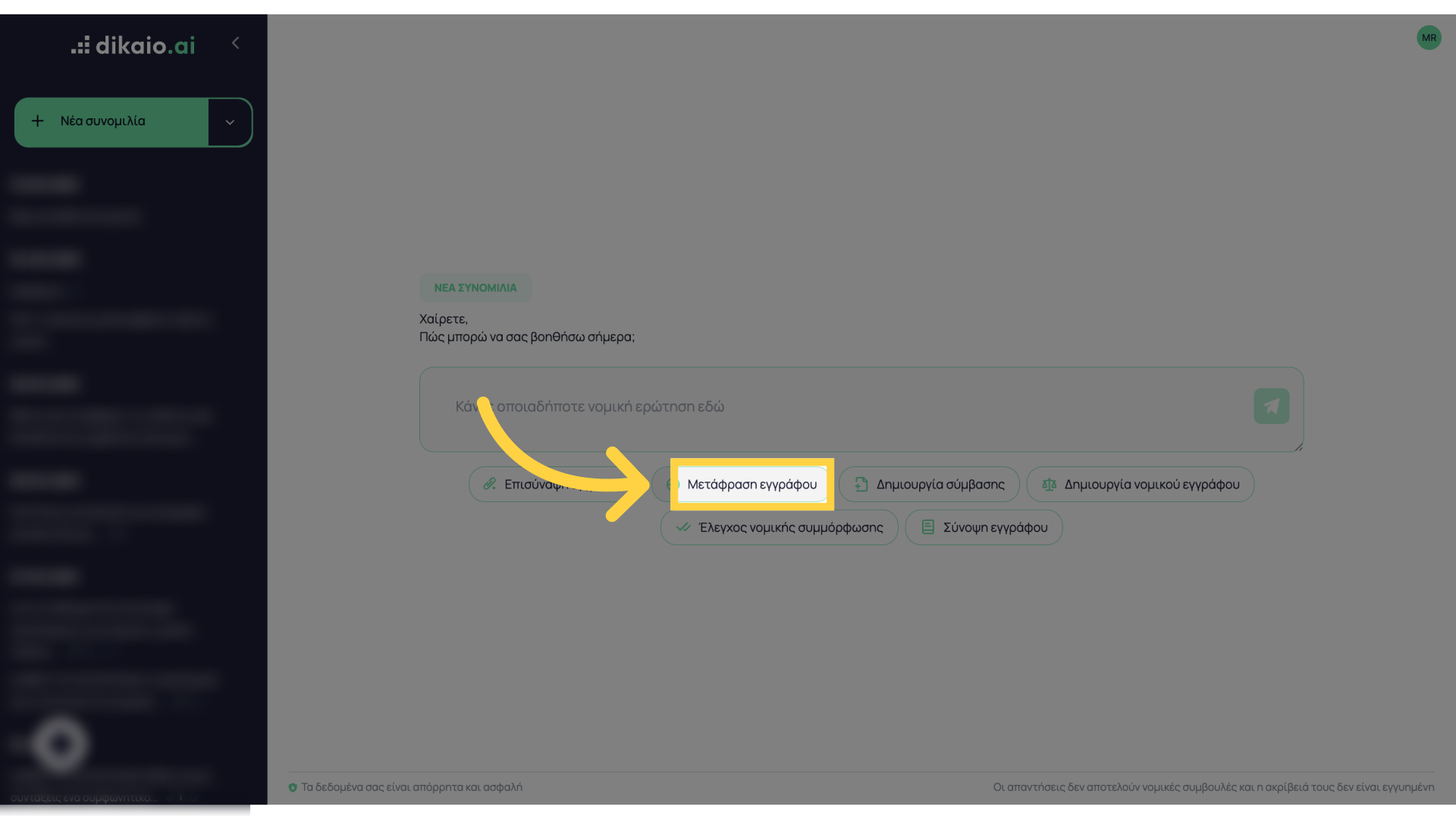
3. Select your file
Select the document file you want to translate
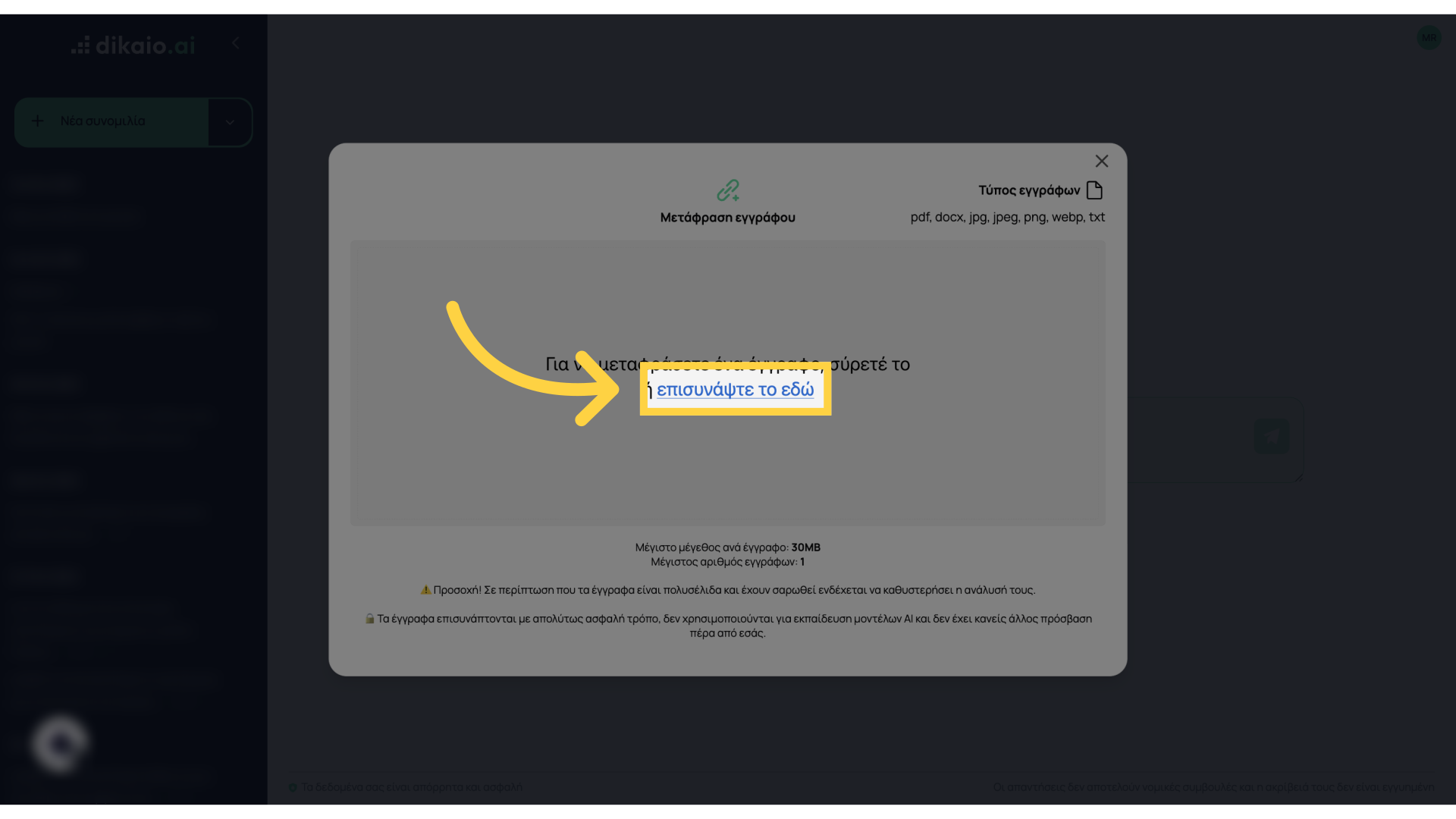
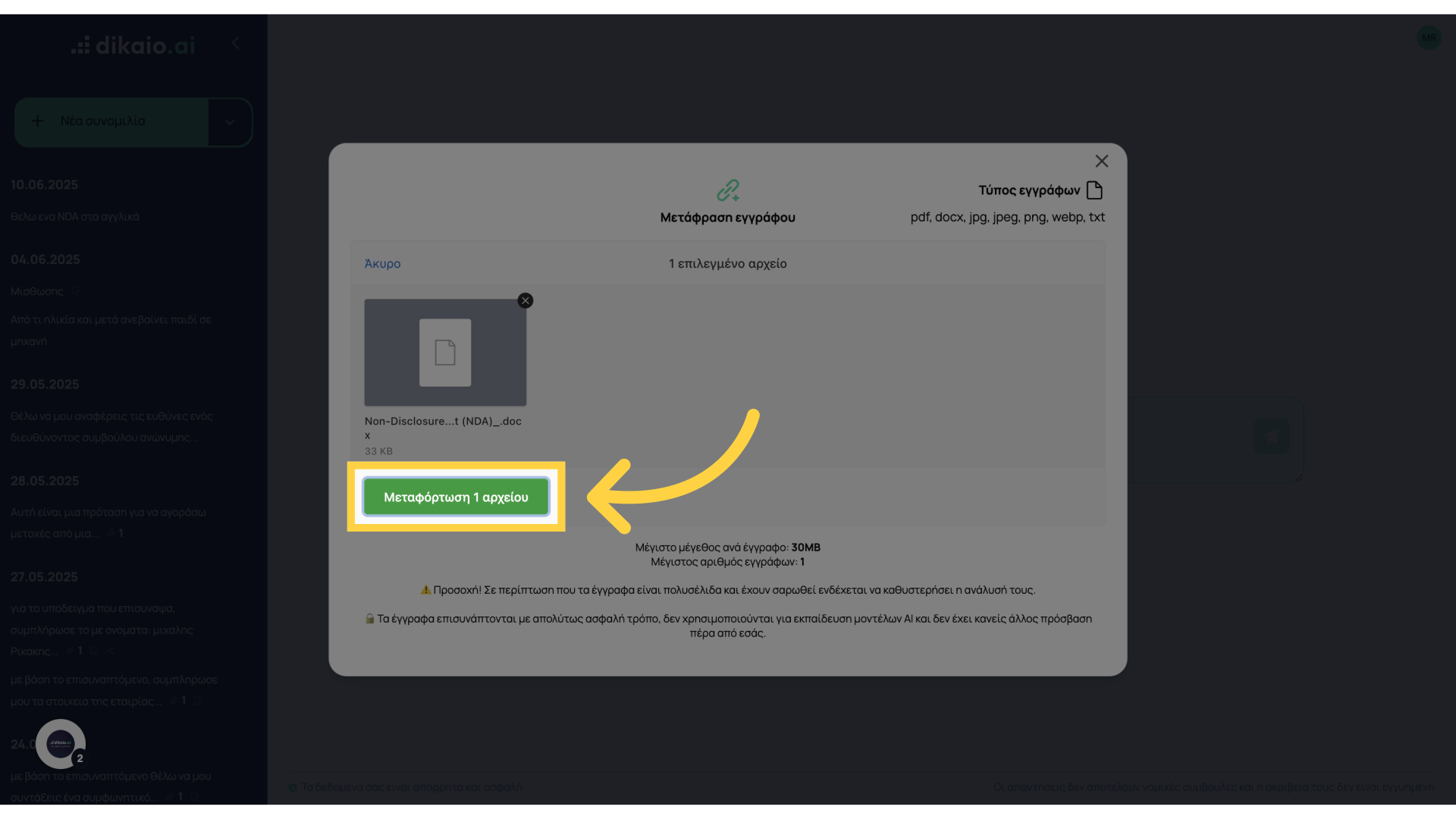
4. Upload your file
Click “Upload File”.
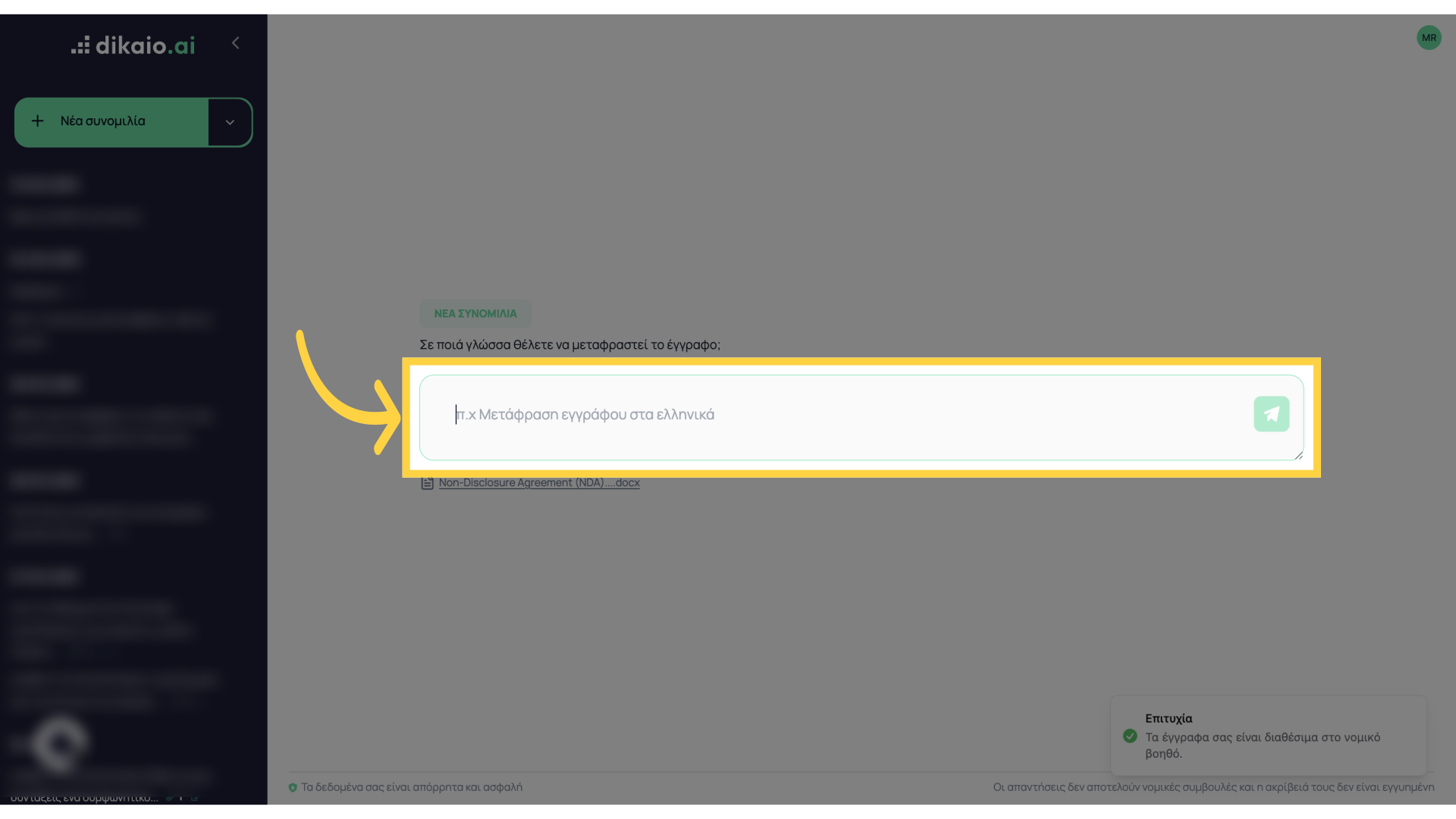
5. Write the language you want the document translated to
Describe which language you want to translate it to, e.g., to English
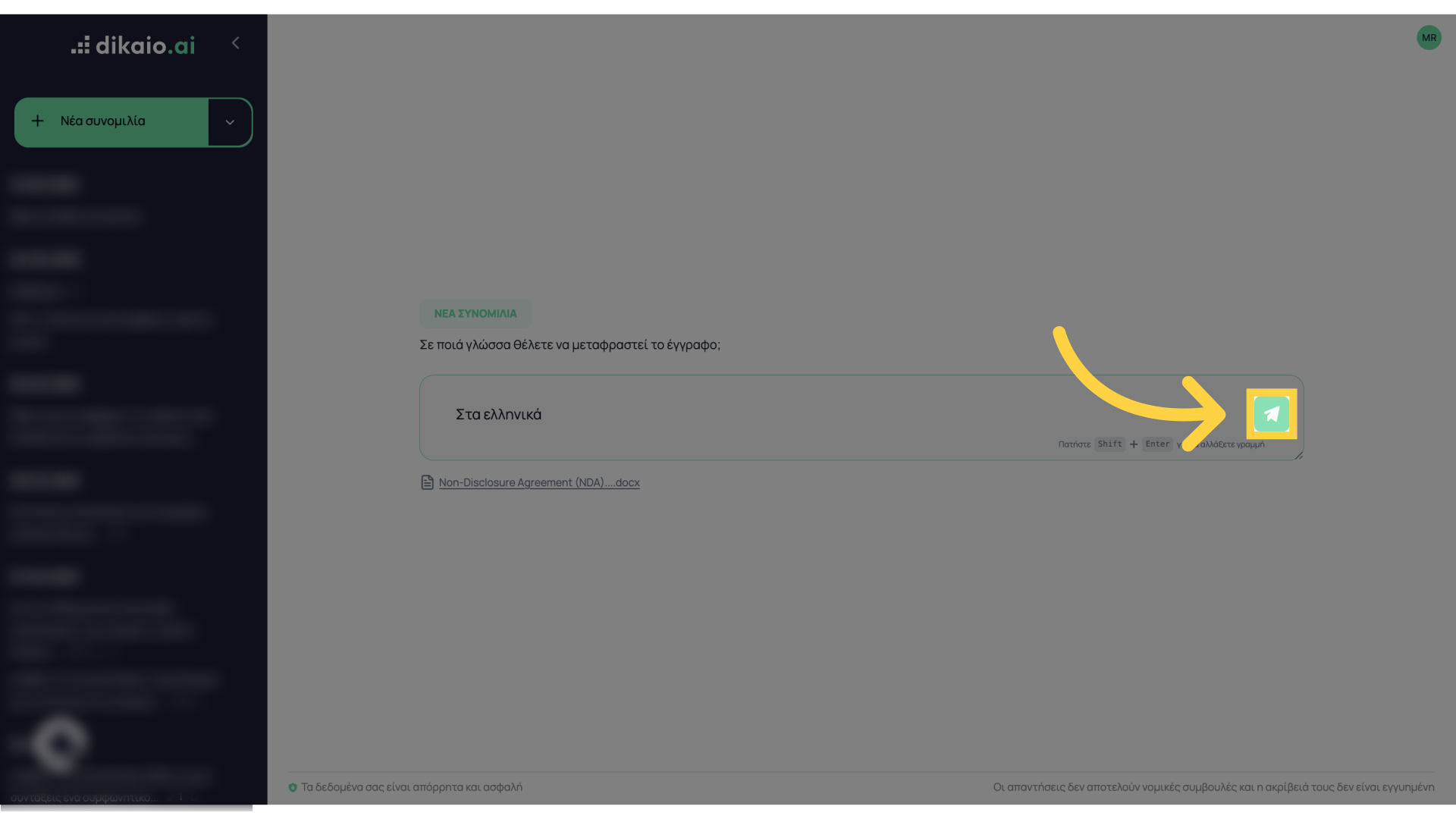
6. Click here
Click here to start the translation
7. Wait a few minutes
Wait a few minutes until the translation is complete. If the document is very large, you will be asked to click “Continue” at specific points in the process.
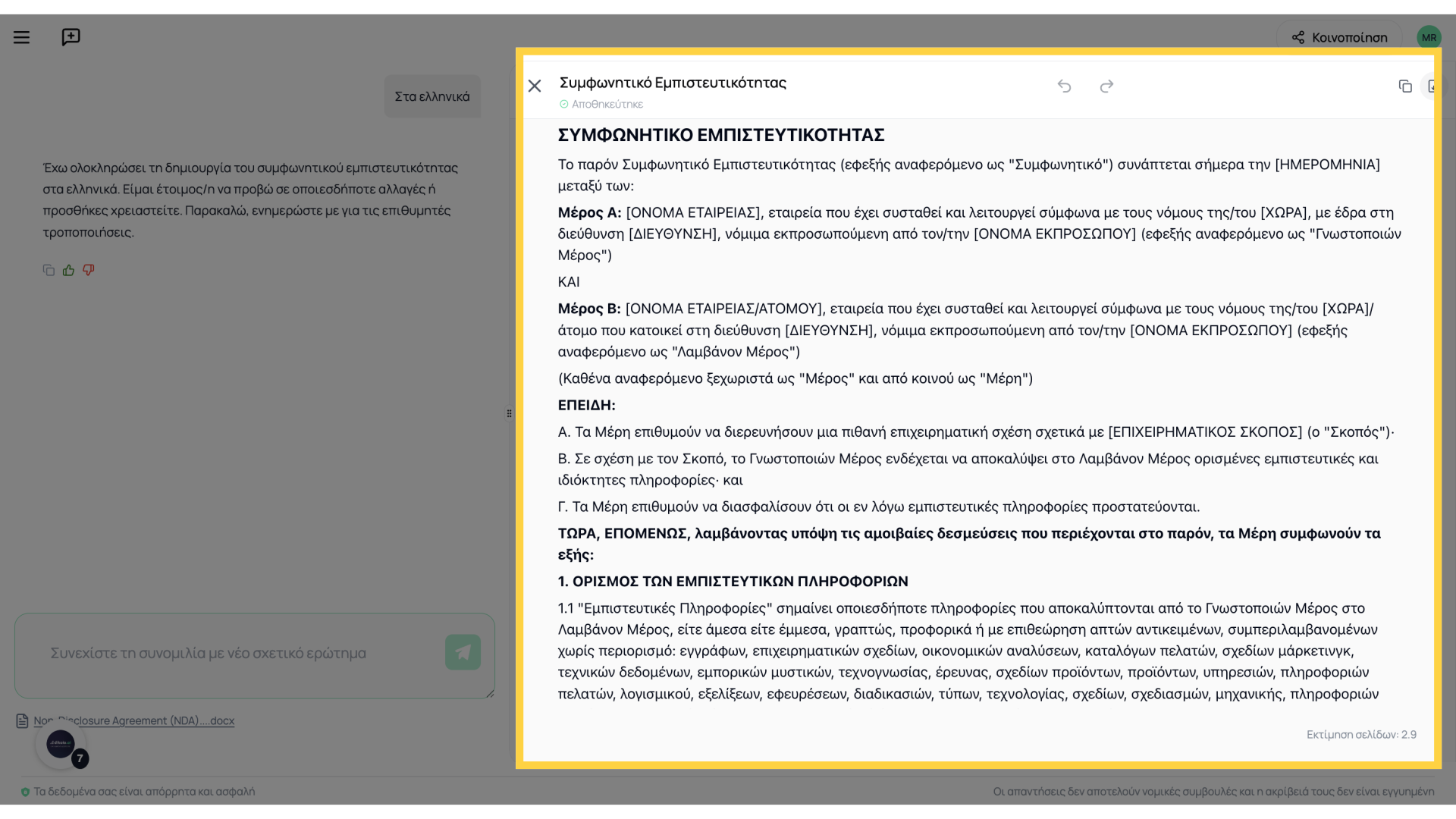
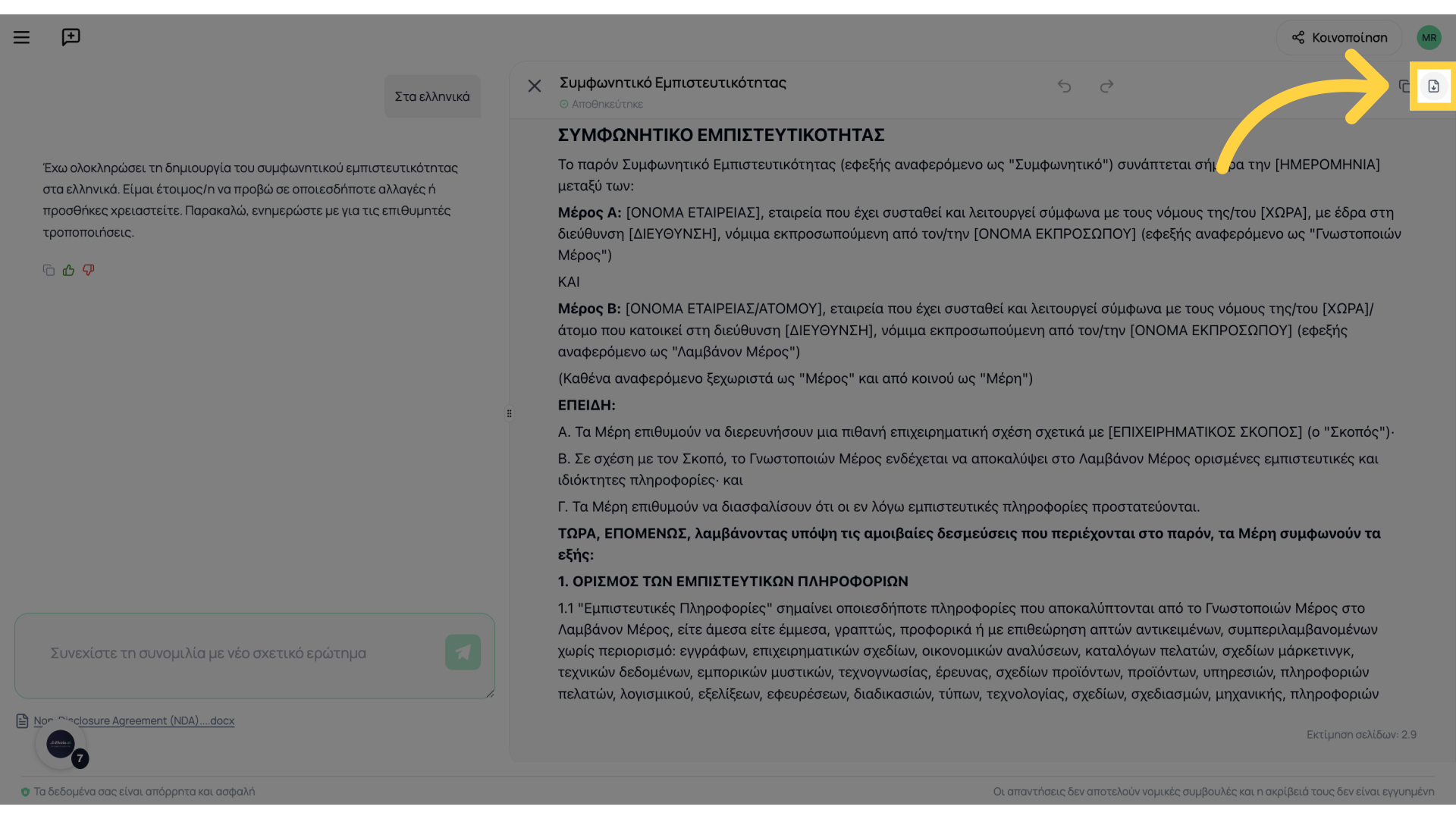
8. To download the file as .docx
You can download the translated document from here
Thank you for your attention. For any questions, we are at your disposal.