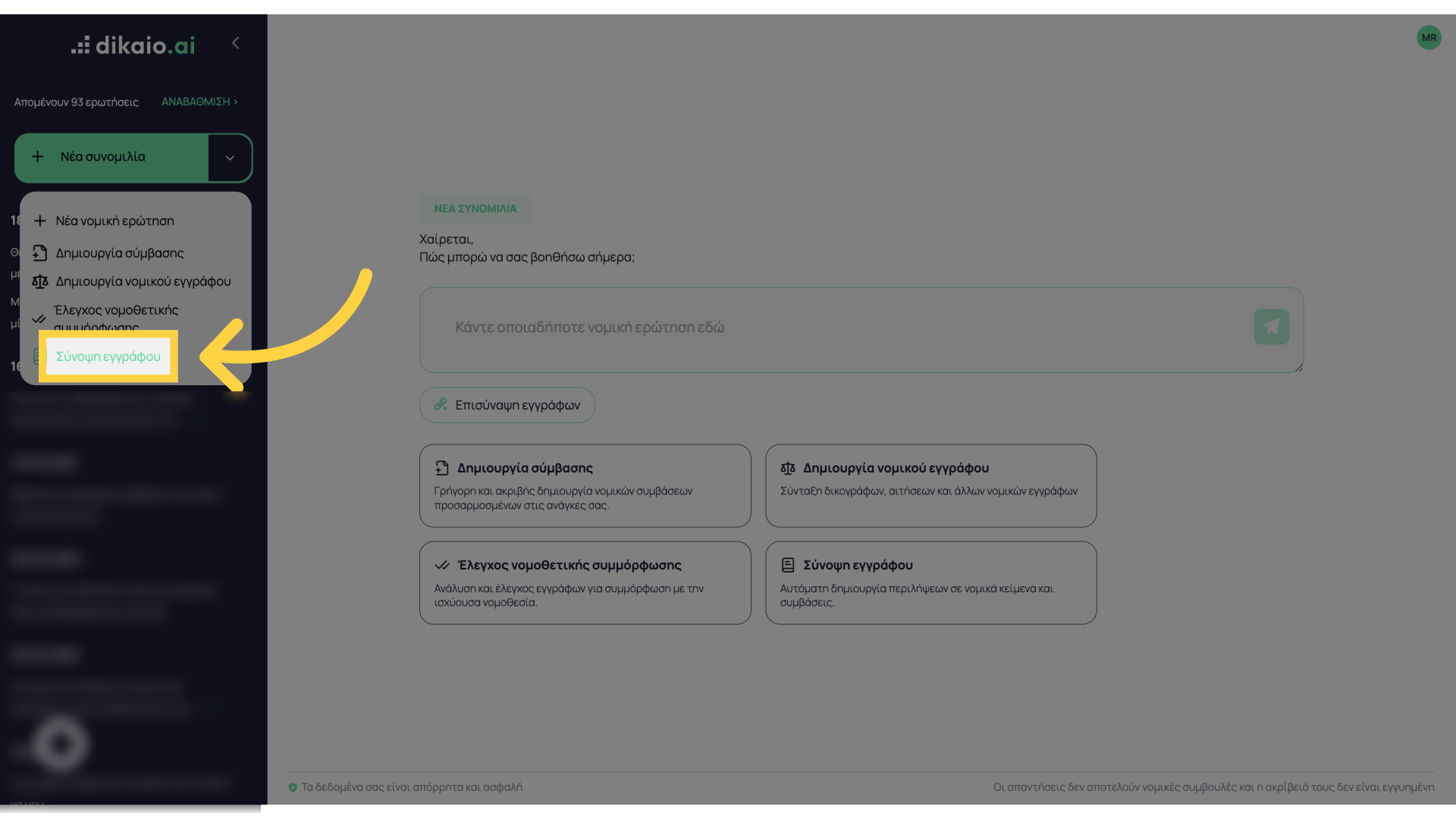
This guide shows you how to check the legal compliance of a document in Dikaio.ai.
Go to www.dikaio.ai
1. Introduction
Log in to dikaio.ai.
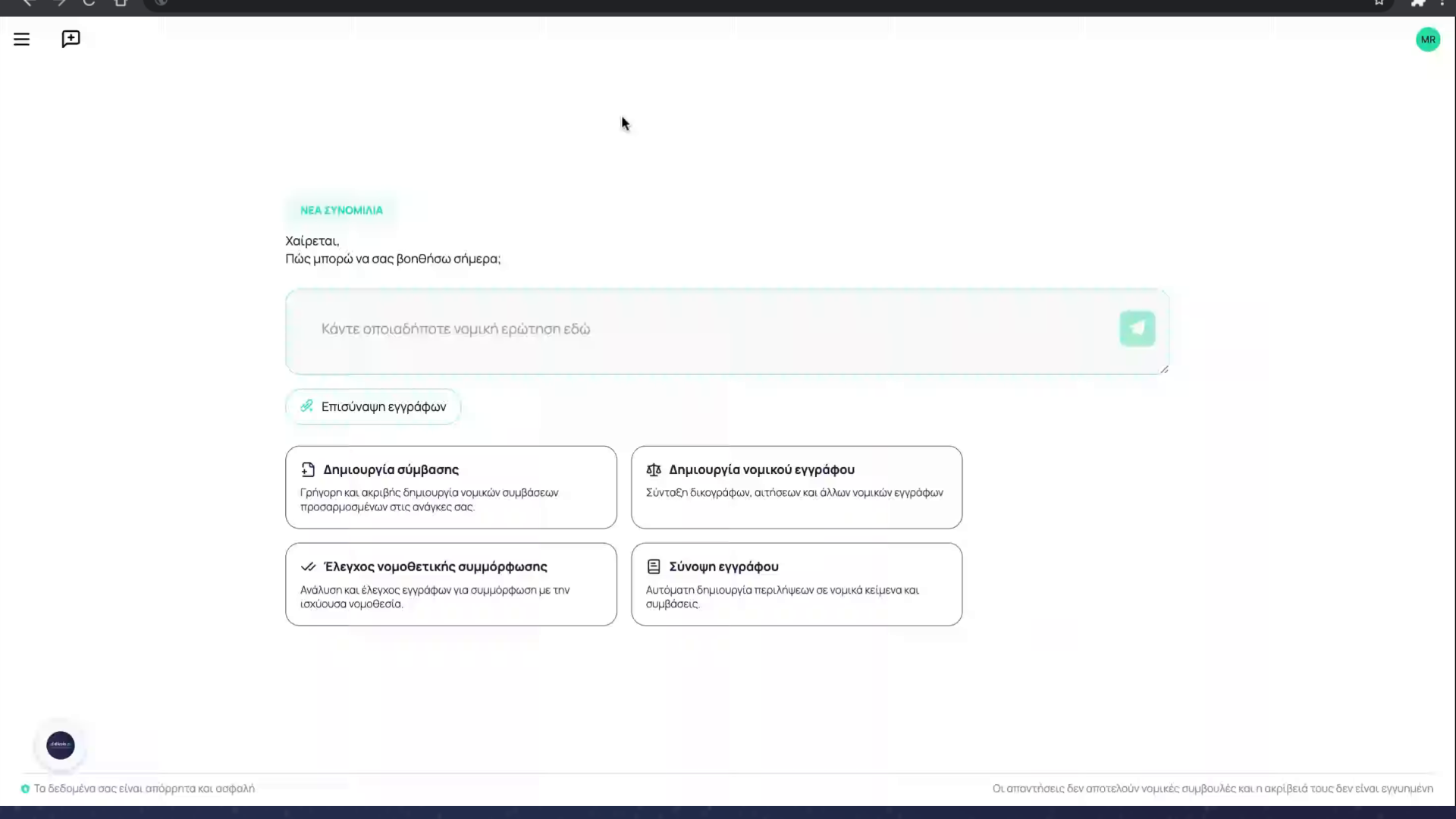
2. Click “Check legal compliance”
To start the legal compliance check, click the corresponding button
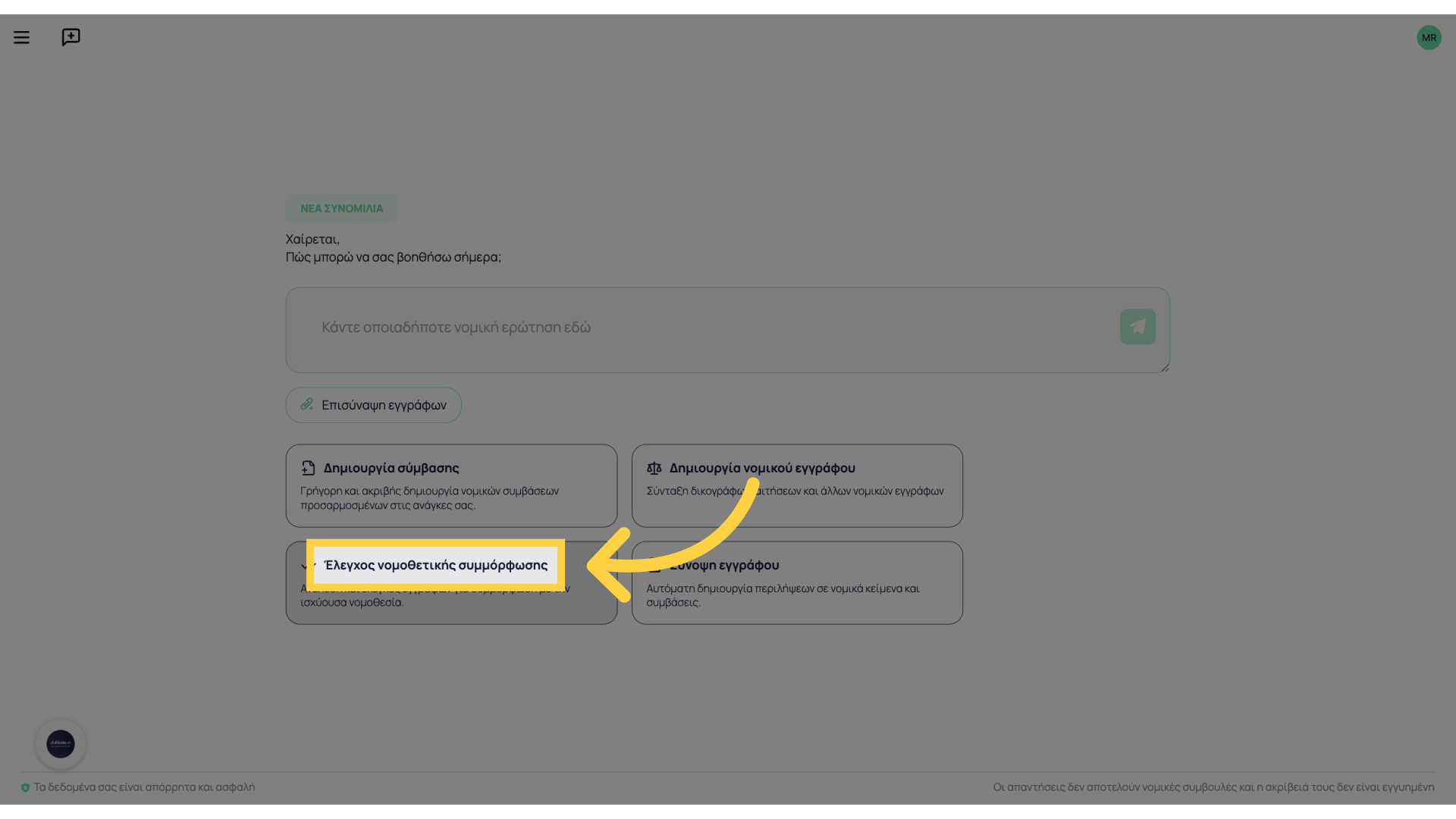
3. Click “attach”
In the window that opens, select “attach”
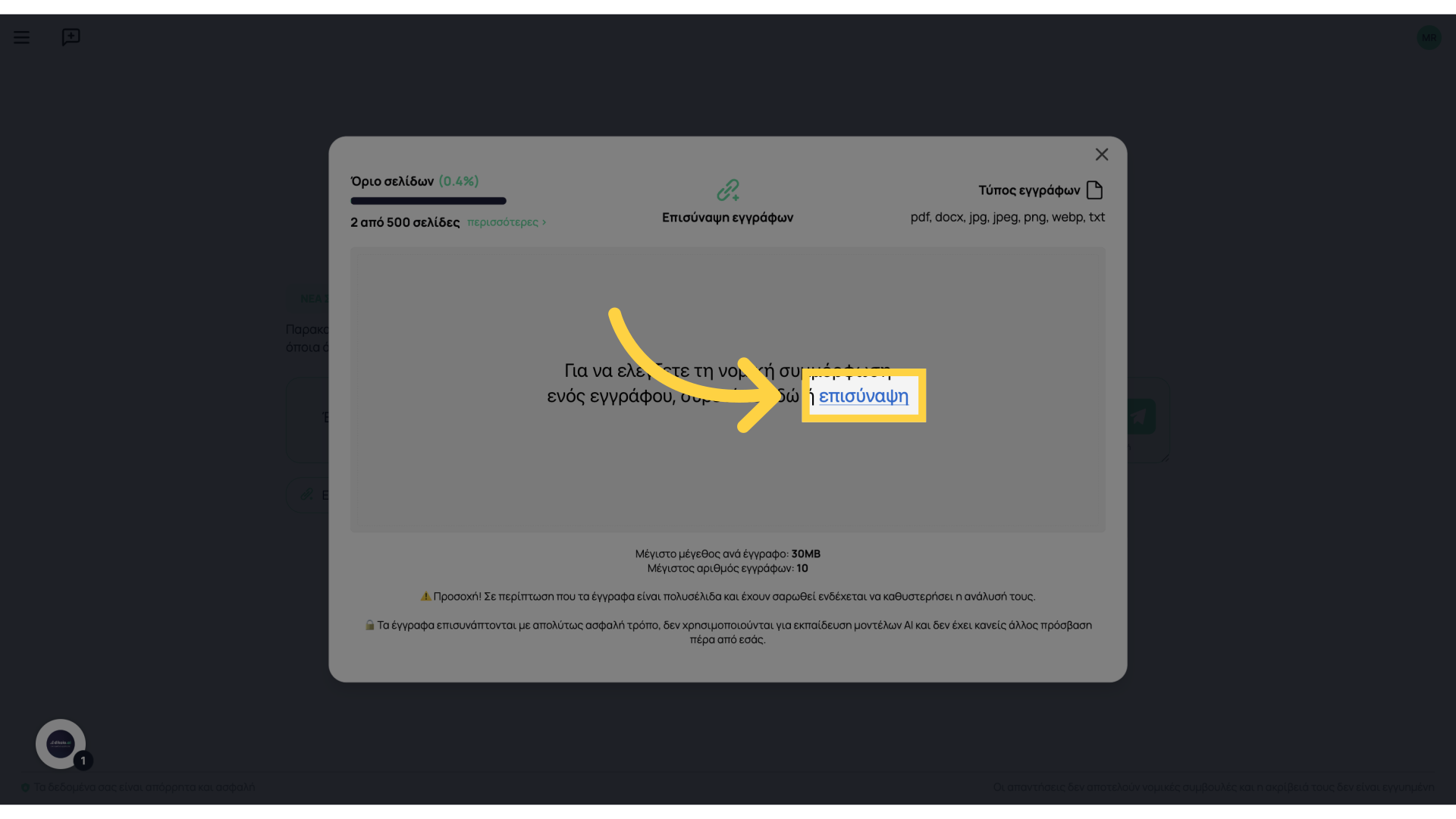
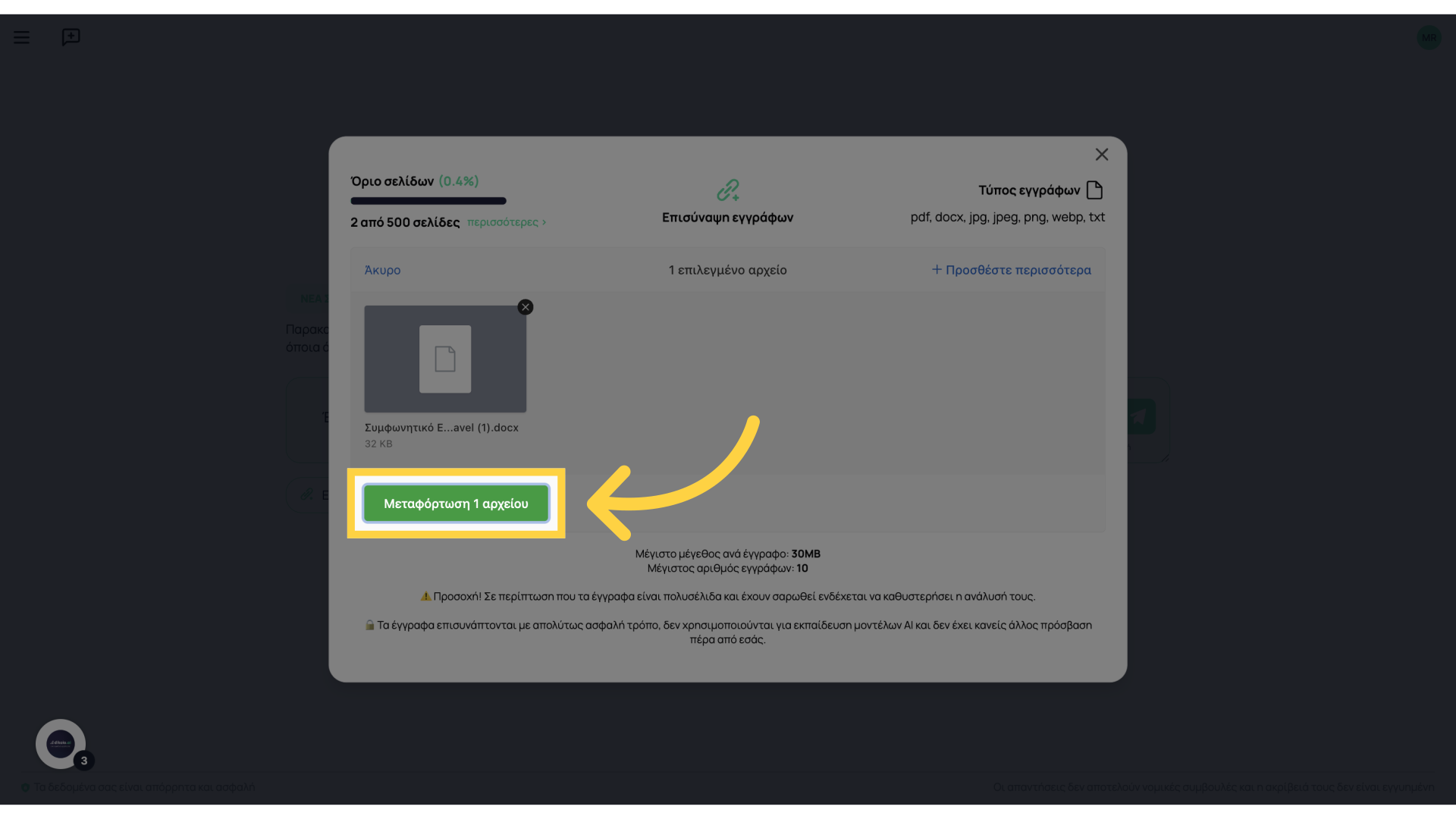
4. Click “Upload 1 file”
Select and upload your file
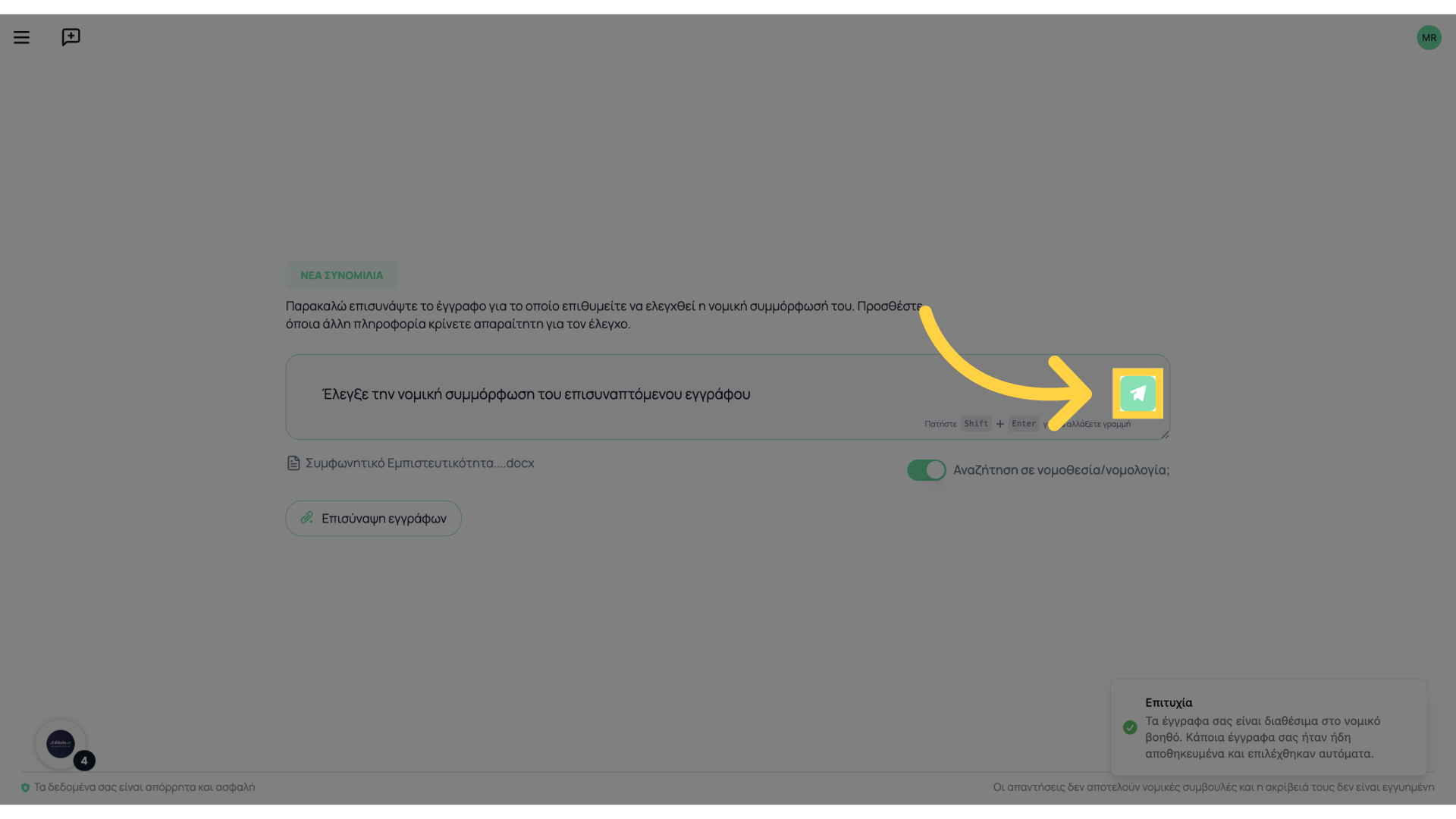
5. Click here
Click here to start the check
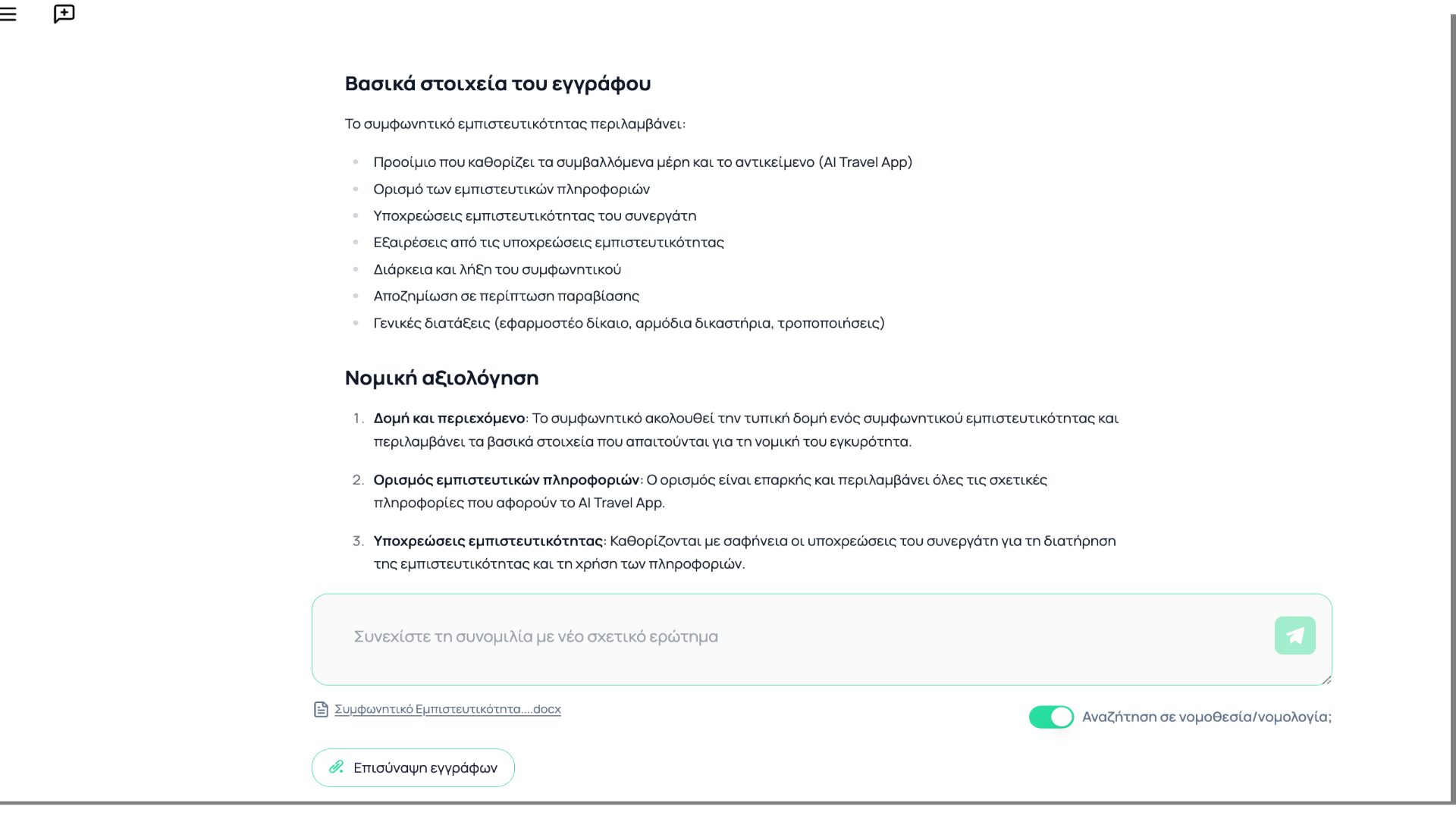
6. Completion of check
The results of the check will appear in a few seconds. You can explore further with additional questions.
Thank you for following the legal compliance check process. For any questions, we are at your service.